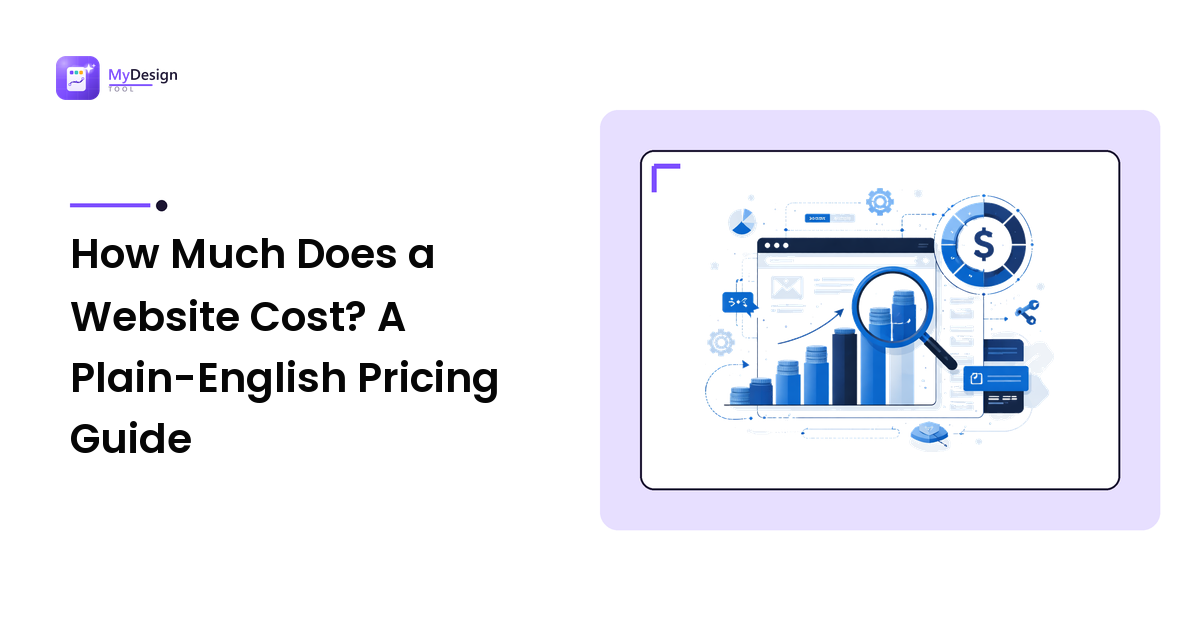
"How much does a website cost?" is usually the first question a business owner asks, and "it depends" is the least helpful answer in the industry. True — but it depends on a short list of things you can understand and control. Know what they are and you can turn a shrug into a realistic number for your own site.
The takeaway up front: a website's price is driven far more by what it needs to do, and who builds it, than by how many pages it has — and the sticker price is only half the story, because every site carries ongoing running costs a one-time quote won't show you. One caveat on the numbers below: they're planning ranges, not quotes, and they vary widely by country, complexity, and who you hire — treat them as tiers, not price tags.
The short answer: what a website typically costs
There's no single price because "a website" covers everything from a one-page profile to a booking system. But most small-business projects land in one of four tiers, defined mainly by how custom the site is and who builds it:
| Approach | Typical up-front cost | Ongoing cost | Best suited to |
|---|---|---|---|
| DIY website builder | Little to none | ~$150–$600 / year | The tightest budgets and simple brochure sites, if you have the time |
| Freelancer on a template | ~$500–$5,000 | Hosting + occasional fixes | A straightforward, professional site without a big budget |
| Agency, custom design on a CMS | ~$5,000–$25,000 | Optional care plan | A site that's a core sales or lead channel |
| Custom build / complex features | $25,000+ | Ongoing development | E-commerce at scale, web apps, heavy integrations |
Two caveats: the tiers overlap — a great freelancer can rival a small agency, and agency website pricing ranges enormously — and the up-front number is only the entry fee, not the lifetime cost.
What actually drives the price
If page count isn't the main driver, what is? The cost to build a website comes down to five things:
- Functionality — by far the biggest. A brochure site that informs is cheap. Add booking, memberships, a store, multiple languages, or custom calculators and the cost climbs — each is real software to build, test, and maintain.
- Custom vs. template design. A polished template, lightly customized, is affordable. A design built from scratch around your brand costs more — it's bespoke creative work.
- Content — the most underestimated line item. Words and photos have to come from somewhere. If you don't supply them, someone must write and shoot them — professional copywriting and photography are their own budgets.
- Page templates, not pages. Ten pages that share one layout are cheap to add; the cost lives in unique page types — home, service, product, blog post — because each is designed and built once. Fifty pages on five templates cost far less than fifteen pages on fifteen.
- Integrations. Connecting your site to a booking tool, CRM, payment provider, or inventory system adds work, and sometimes ongoing subscription fees.
When a quote looks high or low, it's usually functionality or content that explains the gap.
One-time vs. ongoing: the cost people forget
The most common budgeting mistake is treating a website as a one-time purchase. It's closer to a vehicle — a price to buy it, and a cost to keep it running. Every live site needs some of these, whatever tier you chose:
- Domain name — your web address, typically ~$10–$20 a year.
- Hosting — the service that puts your site online, from a few dollars a month to much more for managed or high-traffic plans.
- Maintenance and updates — software, security patches, and backups. Neglect these and a site slowly breaks or gets hacked.
- Premium plugins or licenses — some features carry annual fees.
- Content updates — someone's time to keep pages current.
- A care plan (optional) — many agencies bundle updates, backups, security, and small edits into one monthly fee.
Add these up and you get the total cost of ownership — the number that actually matters. A cheap build on neglected hosting can cost more in downtime and repairs than a slightly pricier one that's properly maintained.
The four ways to build a website — and who each suits
Who you hire is the single biggest lever on cost, so choose the model before the vendor. Vendor-neutrally, there are four:
- A DIY website builder. All-in-one platforms let you build the site yourself for a low monthly fee. Reason to choose it: lowest cash cost, and you keep full control. Trade-off: you pay in time and hit a ceiling on customization — fine for a simple site, frustrating for anything unusual.
- A freelancer. One person designs and builds your site. Reason: affordable, personal, and often faster for a straightforward project. Trade-off: a single point of failure if they get busy, and a narrower skill range than a team.
- An agency. A team handles design, development, project management, and often strategy and content. Reason: broader skills, accountability, and the capacity for complex or business-critical sites. Trade-off: it costs more — you're buying a team and a process, not an individual.
- An in-house hire. Only worth it when web work is constant enough to justify a salary — most small businesses aren't there yet.
There's no universally "best" option — the right one depends on your budget, how complex the site is, and how much you want to manage. Whichever you pick, vetting matters as much as the fee; our guide on how to hire a web designer covers the questions that separate a smooth project from an expensive one.
Hidden costs that wreck website budgets
Most budget overruns come from a predictable short list. Watch for:
- Content you assumed was included. If nobody agreed who writes the copy and supplies photos, it becomes a late, pricey scramble. Settle this up front — it's the number-one cause of stalled projects.
- Revisions beyond the included rounds. Quotes usually cover a set number of revision rounds; endless "just one more change" is billable.
- Stock imagery and licensing. Good photos and fonts sometimes carry per-use fees.
- Integrations and their subscriptions. The booking or email tool the site connects to may have its own monthly cost.
- Scope creep. Features added mid-project — "can it also do X?" — are the quiet budget killer. A clear written scope is the cure.
- Rush timelines. Compressing a schedule often costs a premium.
None of these are scams — they're the normal edges of a project. Naming them in the quote up front keeps the final invoice close to the first.
How to set a realistic website budget
Start from what the site is for, not from a number you hope to spend. Work through four steps:
- Define the job. What must a visitor be able to do — call, buy, book, request a quote? The purpose sets the tier; don't buy a custom build for a simple brochure, or cripple a sales channel to save a few hundred.
- Value the outcome. If one new customer is worth a meaningful amount and the site is how they find and judge you, the website is an investment measured against that return.
- Budget for the whole life, not launch day. Spread the build over the years you'll use it and add the ongoing costs above. A site is a multi-year asset.
- Get itemized quotes and leave a contingency. Ask for a line-by-line breakdown, compare on what's included rather than the total, and keep 10–20% in reserve for extras.
Do this and "how much does a website cost?" stops being a mystery and becomes a decision you're equipped to make.
Is a professional website worth it?
Honestly, not always — and a guide that told you otherwise would be selling. If few customers rely on your site, a DIY builder is a sensible, cheap choice. But if customers find you, judge you, and buy from you online, the calculation flips: a slow or untrustworthy site loses more in missed customers than a good one costs to build. The question isn't "what's the cheapest website" but "what a website that works will return, against what it costs to own." Match the spend to the job, and it pays for itself.
FAQ
How much does a website cost for a small business?
Most small-business sites range from almost nothing on a DIY builder to roughly $5,000–$25,000 for a custom agency build, with freelancers in between. Where you land depends on functionality, design, and who builds it — not page count.
Why do website prices vary so much?
Because "a website" spans a one-page profile to a booking platform, and the price is driven by functionality, custom design, content, and who builds it. Two quotes can differ tenfold and both be fair — they're pricing different scopes, which is why comparing on what's included, not the total, is the only reliable way to judge website pricing.
How much does a website cost per month?
Ongoing costs commonly run from around ten dollars a month — a domain plus basic hosting — to several hundred for managed hosting plus an agency care plan. A monthly figure reflects hosting and maintenance, not the build itself.
Is it cheaper to build my own website?
In cash, yes — a DIY builder is the lowest-cost route, but you pay in time and hit a ceiling on customization. It's the right call for simple sites and tight budgets; for a site central to winning customers, a freelancer or agency usually returns more than it costs.
Do web designers charge a one-time fee or a monthly cost?
Often both: a one-time fee to design and build the site, then ongoing costs for hosting and maintenance, sometimes bundled into a monthly care plan. Always ask which is which, so you know your up-front price and your running cost.
Next step
A website's cost isn't unknowable — it's the sum of what the site must do, who builds it, and what it takes to keep running. Decide the job first, budget for the whole life rather than launch day, and insist on an itemized quote you can compare fairly. Do that and you'll pay a fair price for a site that earns its keep — not the lowest number that quietly costs you more later.
If you'd like a clear, itemized quote built around what your site actually needs — no lump sums, no surprise invoices — see how MyDesign Tool can help.