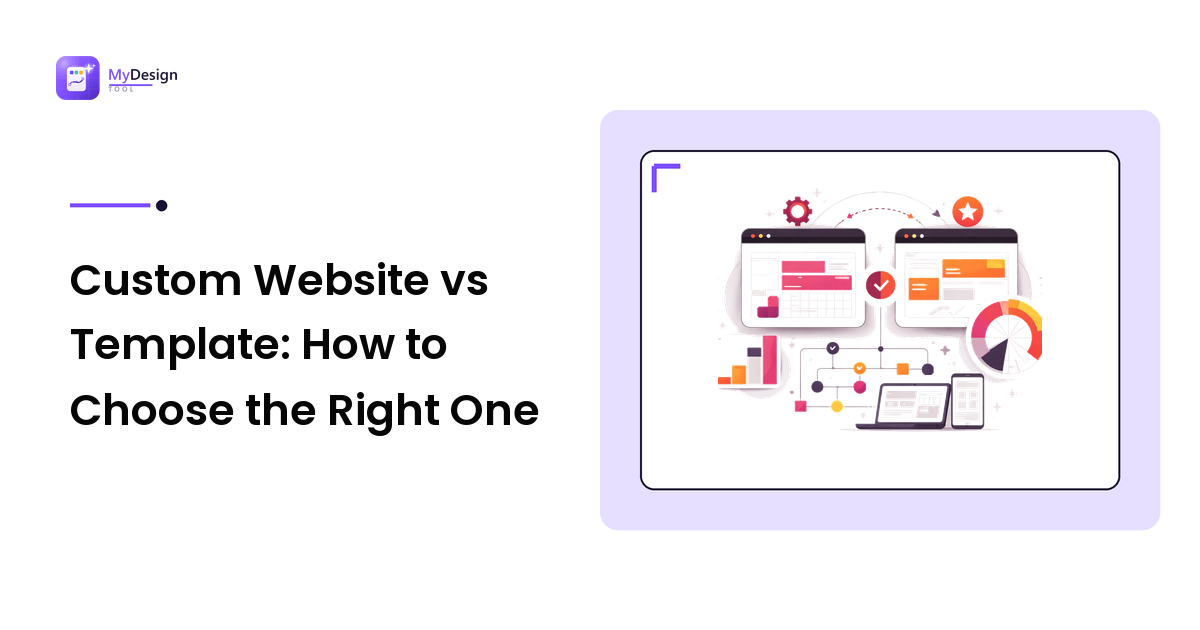
Every new website starts with the same fork in the road: buy a template and adapt it, or commission a custom design built from scratch. Both paths can produce a site you are proud of, and both can end in regret. The difference is rarely the option itself and almost always whether it matched your timeline, budget, and how distinctive your brand actually needs to be.
This guide breaks down the trade-offs honestly, shows you the quality signals that separate a good template from a cheap one, and explains how far modern stacks let you customize before "template" stops being a limitation.
What each approach really means
A website template is a pre-built design and codebase you license and fill with your own content. Premium templates ship with polished layouts, responsive behavior, and often a modern component system you can extend.
A custom design is built specifically for you, usually starting from research and wireframes, moving through mockups, and ending in bespoke code. If those terms feel fuzzy, our breakdown of wireframe vs mockup vs prototype explains where each fits in the design process.
The honest framing is this: a template is a head start on 80% of the work, while custom design is control over 100% of it. The right choice depends on whether that last 20% is worth the extra time and cost for your situation.
The case for templates
Pros
- Speed. A good template can take you from purchase to launched site in days, not months. For a product launch, an event, or validating an idea, that speed is often worth more than perfect uniqueness.
- Cost. A premium template typically costs somewhere between a nice dinner and a weekend away. A custom build starts in the thousands and climbs quickly.
- Proven patterns. Reputable templates have already solved responsive layout, accessibility basics, and performance. You inherit those decisions instead of rediscovering them.
- A reference to learn from. Even if you plan to go custom eventually, a well-built template is a working example of how the pieces fit together.
Cons
- Familiarity. Popular templates get reused. If differentiation is core to your brand, a widely-sold theme can feel generic.
- Fighting the framework. Every template makes assumptions. When your needs drift far from those assumptions, editing can become slower than building fresh.
- Bloat. Some templates bundle every feature imaginable "just in case," which hurts load times if you cannot strip the excess.
The case for custom design
Custom design earns its cost when your interface is the product, when you have complex or unusual flows, or when brand distinctiveness directly drives revenue. It gives you a design system built around your real content, not adapted to fit someone else's layout. The trade-off is time, budget, and the need for a skilled team. Start from a solid foundation in interface fundamentals rather than improvising; our web UI design guide covers the layout systems and component thinking a custom build relies on.
The risk with custom is not quality, it is scope. Projects without clear wireframes and priorities tend to sprawl, and the bespoke advantage evaporates if the execution is rushed.
When templates make the most sense
Reach for a template when:
- You need to launch quickly and iterate later.
- Your budget is tight and better spent on content, ads, or product.
- Your site is fairly conventional: a marketing site, portfolio, blog, or documentation hub.
- You want a professional baseline you can grow into rather than a blank page.
Go custom when uniqueness is a competitive advantage, when your flows are genuinely non-standard, or when you have the budget and timeline to do it properly.
How to judge a good template
Not all templates are equal, and price alone tells you little. Before buying, look for these quality signals:
- Clean, modern code. Templates built on current stacks like Astro, React, or Tailwind CSS tend to be more maintainable and easier to extend than ones stuck on dated tooling.
- Real performance. Check a live demo with a tool like Lighthouse. Fast load times and good Core Web Vitals scores signal careful engineering.
- Genuine responsiveness. Resize the demo. Layouts should adapt gracefully, not just shrink awkwardly.
- Accessibility basics. Keyboard navigation, sensible contrast, and semantic markup are marks of a serious build.
- Documentation and support. Clear setup docs and an active maintainer mean you will not be stranded when you hit a snag.
- Sensible structure. Components should be organized and named logically so customization is predictable.
Marketplaces that curate for these qualities are worth seeking out. A premium web template marketplace focused on modern stacks, for example, is a far safer starting point than a bargain bin of unmaintained themes, because the engineering standards are already baked in.
Customization: how far can you really go?
This is where the old "templates are limiting" argument has weakened dramatically. Modern component-based templates are designed to be reshaped.
With a Tailwind CSS foundation, changing your color palette, typography, and spacing can be as simple as editing a config file that cascades everywhere. React and Astro templates break the interface into components, so you can swap, remove, or restyle sections without touching unrelated parts of the site. Astro in particular ships minimal JavaScript by default, which keeps performance high even as you add custom pieces.
In practice, a well-structured premium template on a modern stack gives you most of the freedom of custom design with a fraction of the setup. You are customizing a working system rather than assembling one from nothing. If you want that flexibility, prioritize high-quality Astro templates and component-driven builds over rigid, monolithic themes.
The realistic ceiling: templates handle 90% of typical customization needs beautifully. If your remaining 10% requires fundamentally different architecture or interaction patterns, that is your signal to consider custom.
FAQ
Are premium templates worth the money over free ones?
Usually, yes. Premium templates tend to have cleaner code, better performance, real documentation, and ongoing support. Free templates can be excellent, but they more often carry bloat, dated dependencies, or abandoned maintenance that costs you time later.
Can I customize a template enough that it does not look like a template?
On a modern component-based stack, absolutely. Change the color system, typography, imagery, and content structure, and rearrange or replace sections, and most templates become unrecognizable from their demo. The key is choosing one built for customization rather than a rigid, all-in-one theme.
How much does custom website design cost compared to a template?
A premium template typically runs from tens to low hundreds of dollars. Custom design usually starts in the low thousands and rises with complexity, since you are paying for research, design, and bespoke development time.
Should a startup start with a template or go custom?
Most early-stage startups should start with a template. Speed and budget matter more than uniqueness while you are still validating the product, and a good template on a modern stack leaves room to move to custom design once you know exactly what you need.
The bottom line
Templates versus custom design is not a question of quality, it is a question of fit. A well-built premium template on a modern stack will serve most sites beautifully and let you launch fast. Custom design pays off when differentiation and unusual requirements justify the investment. Judge the template on its engineering, not its price, and be honest about how much of that last 20% you truly need before you commit.